Thank you for purchasing our template
Created: January 08, 2023
Last Updated: January 08, 2023
In this document, we provide all kinds of good information with all the details you need to use our template. We hope you have fun and enjoy working with our template
If you have any question or need support contact via
- SOFTIVUS
Getting Started
Run Project
1. Download and install Node.js and NPM : You can download Node.js from https://nodejs.org. NPM comes bundled with Node.js.
2. Purchase Item: After downloading zip from Templatemonstar, unzip it in your desired location.
3. Use cmd With Windows or IOS : Open this folder in console / terminal. Run the command in console: npm install or yarn install
4. Now to run development server, run below command: console: npm run dev or yarn dev
5. Now you will find some output after running above command in console.
6. Click or open the URL on your browser: http://localhost:3000
7..Thats all! Now you should see your site.
For the case Visual Studio Code Open Folder Project (open Visual Studio Code) => Open Terminal (Ctrl + `) => Type command: npm install --> npm run dev
How to customize Template
Instructions below help you to change the content, customize css and jsx for the template
- Change Site Title
- Change or replace favicon
- Update the home page
- Edit Menu Names
- Edit global CSS for template
- Edit fake Data for template
- Edit tailwindcss CSS config
- Edit public images
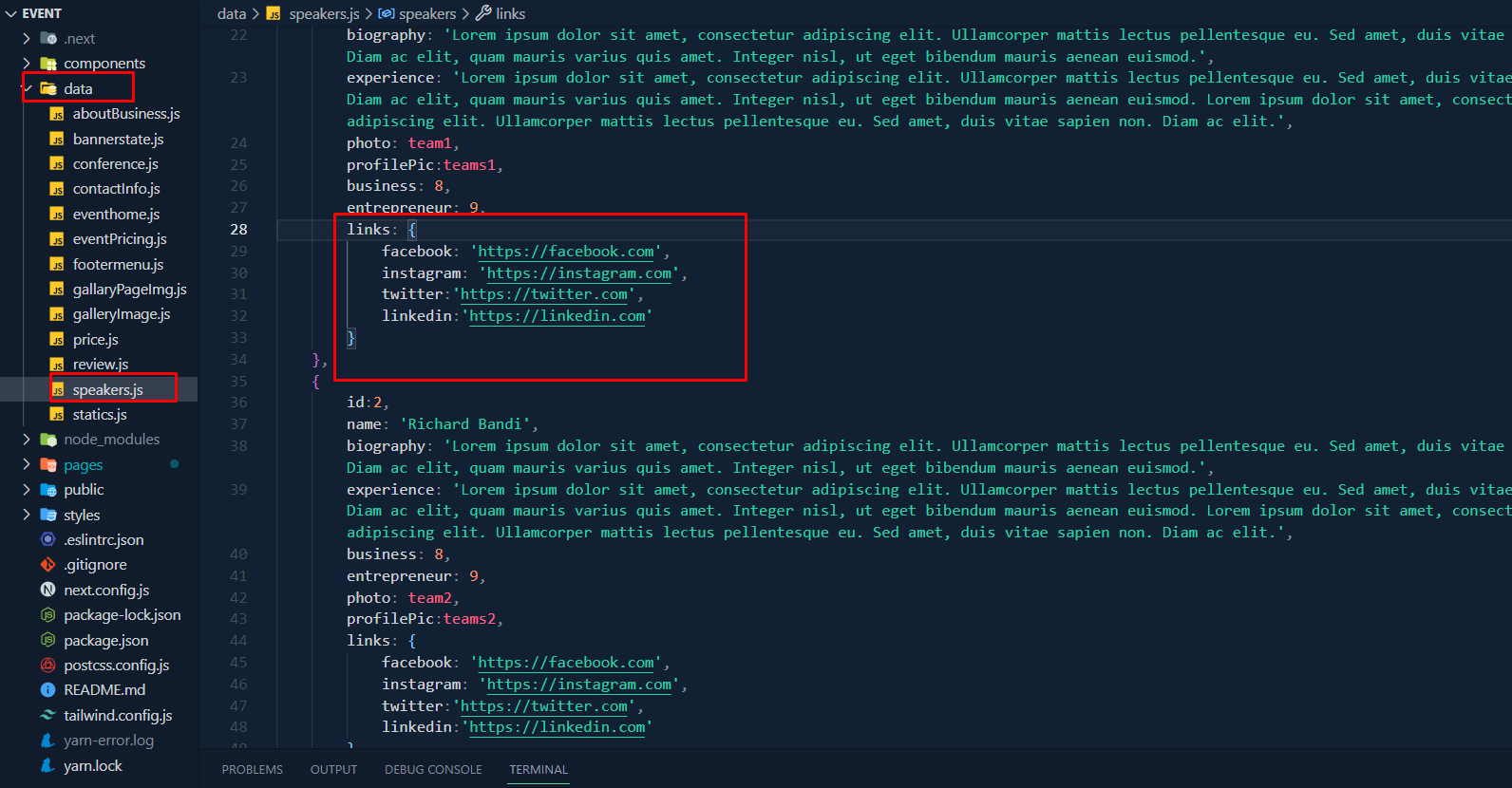
- Edit Social Links
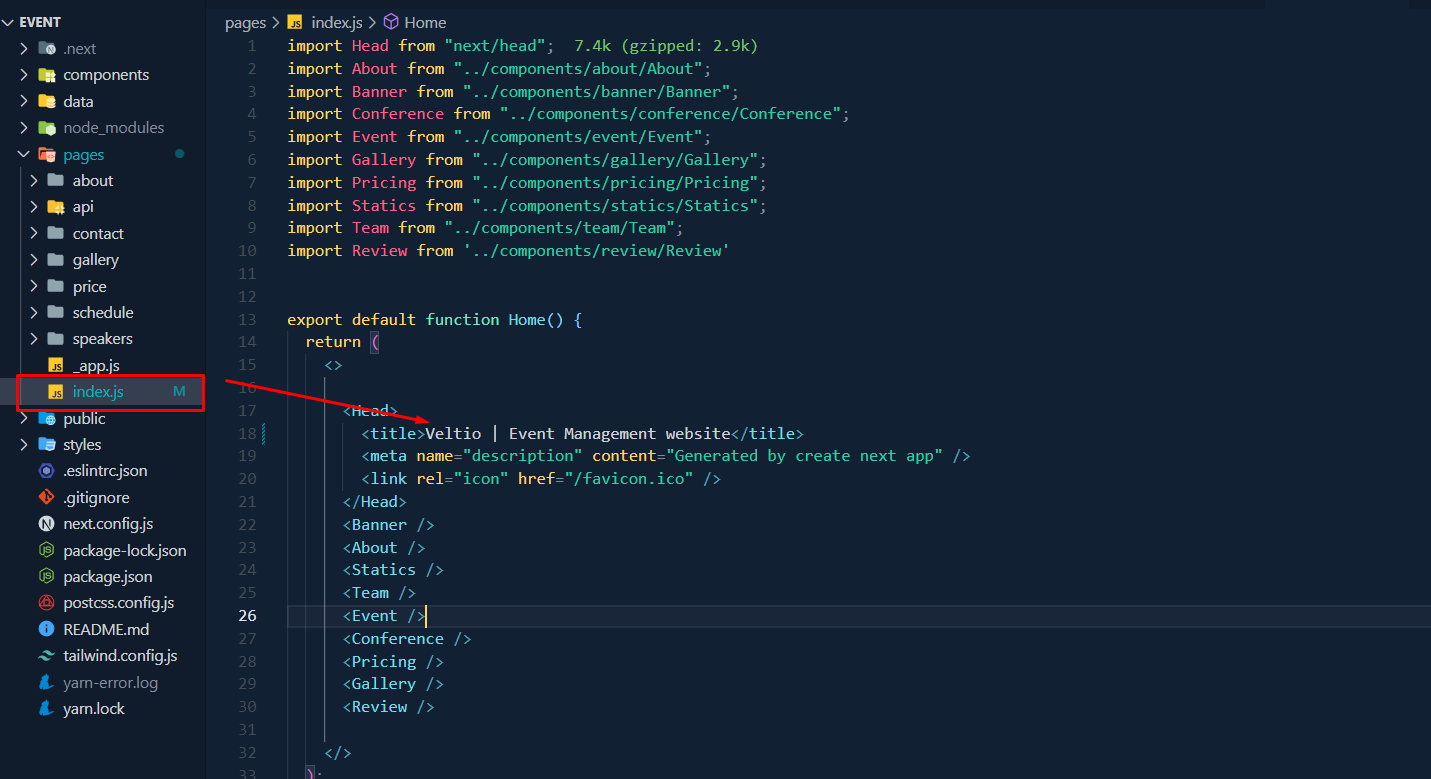
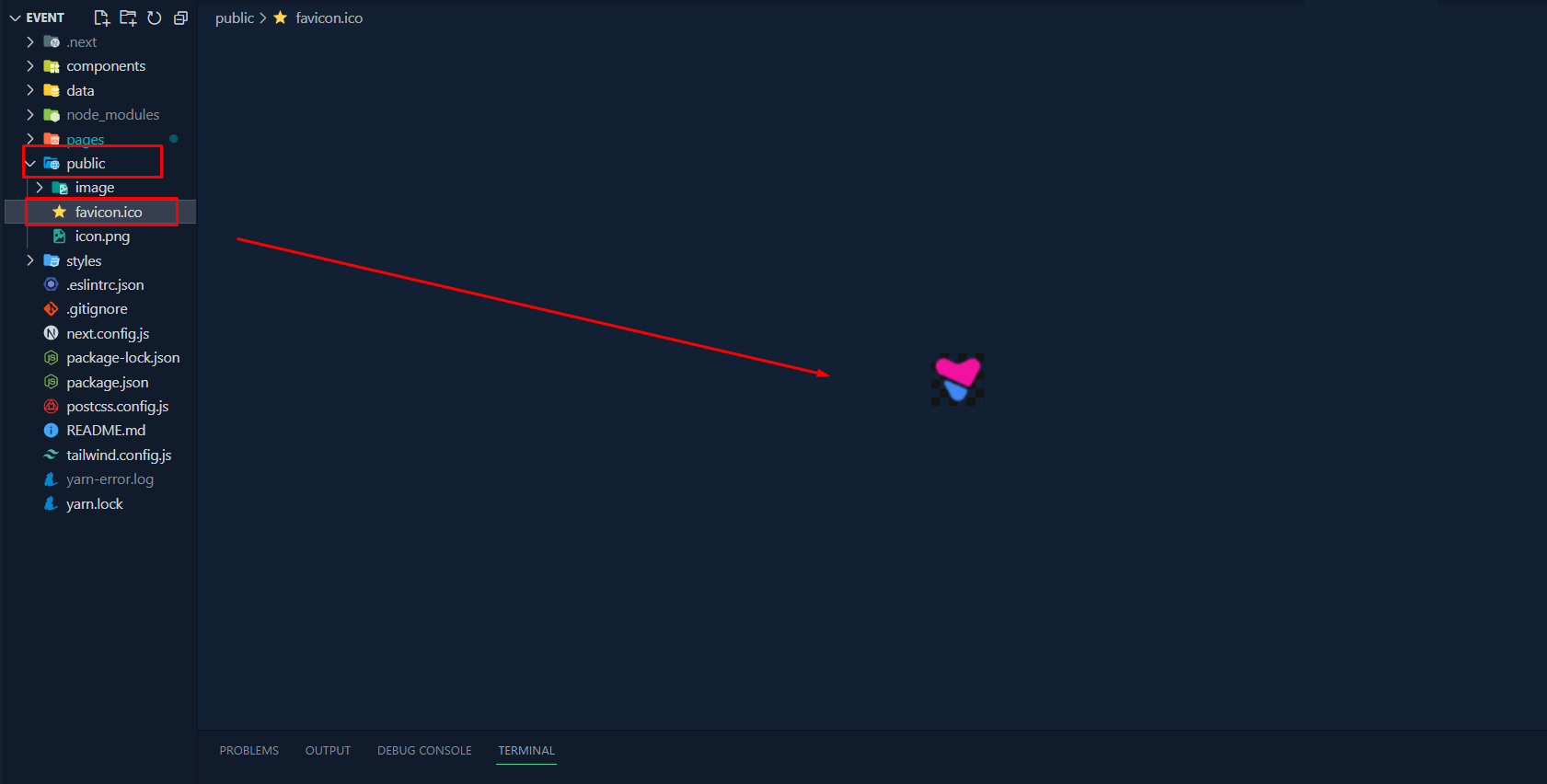
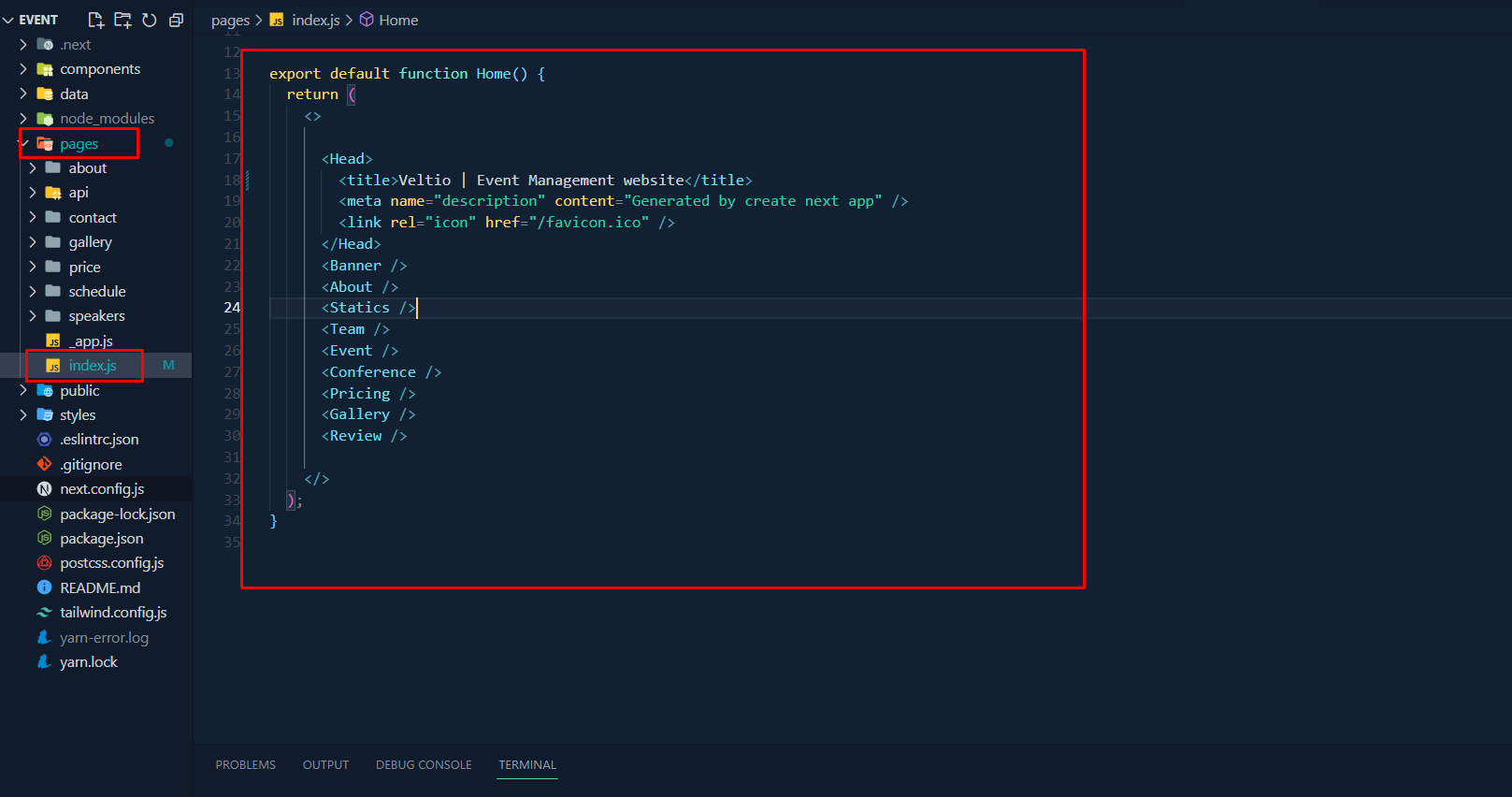
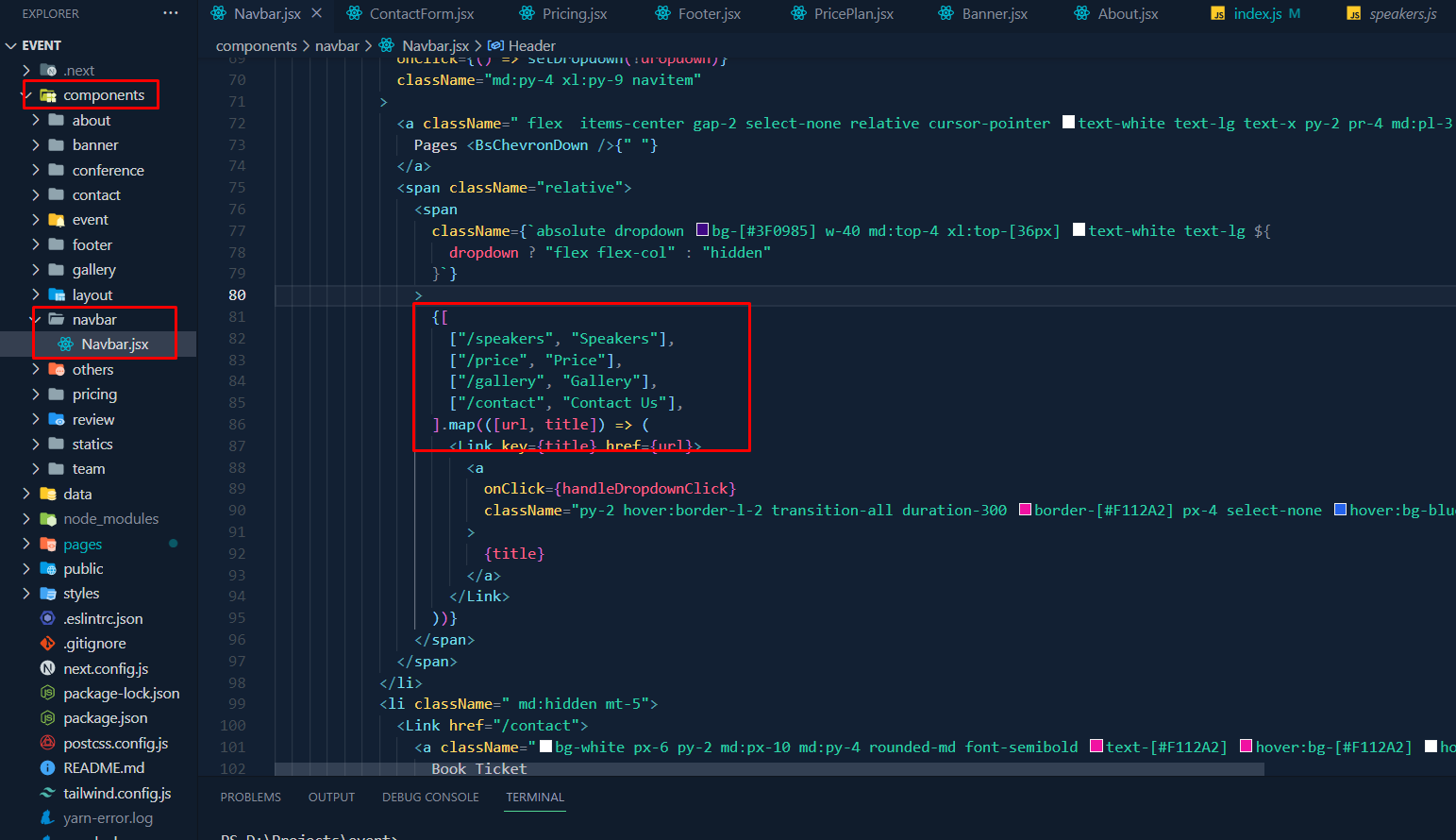
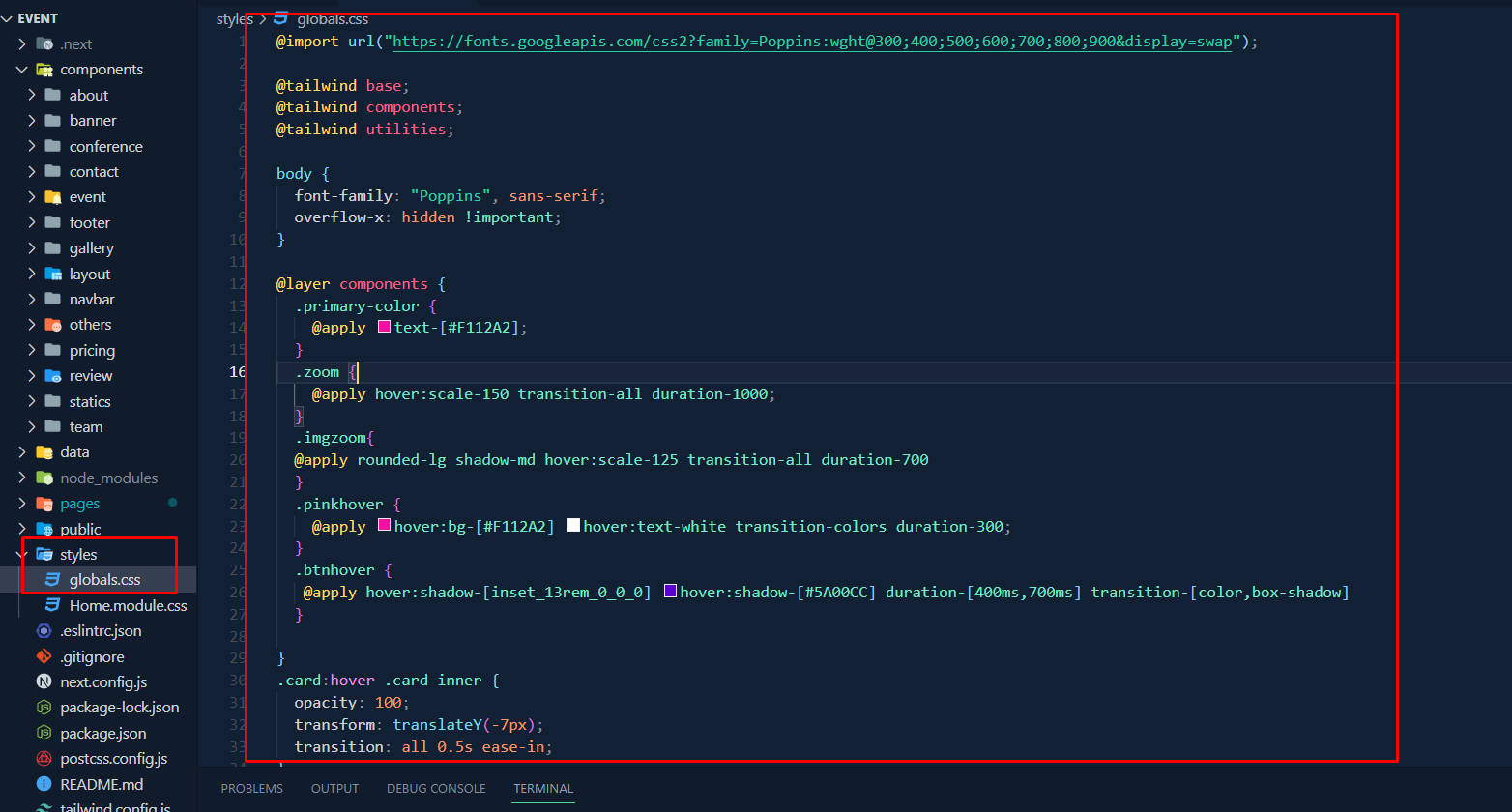
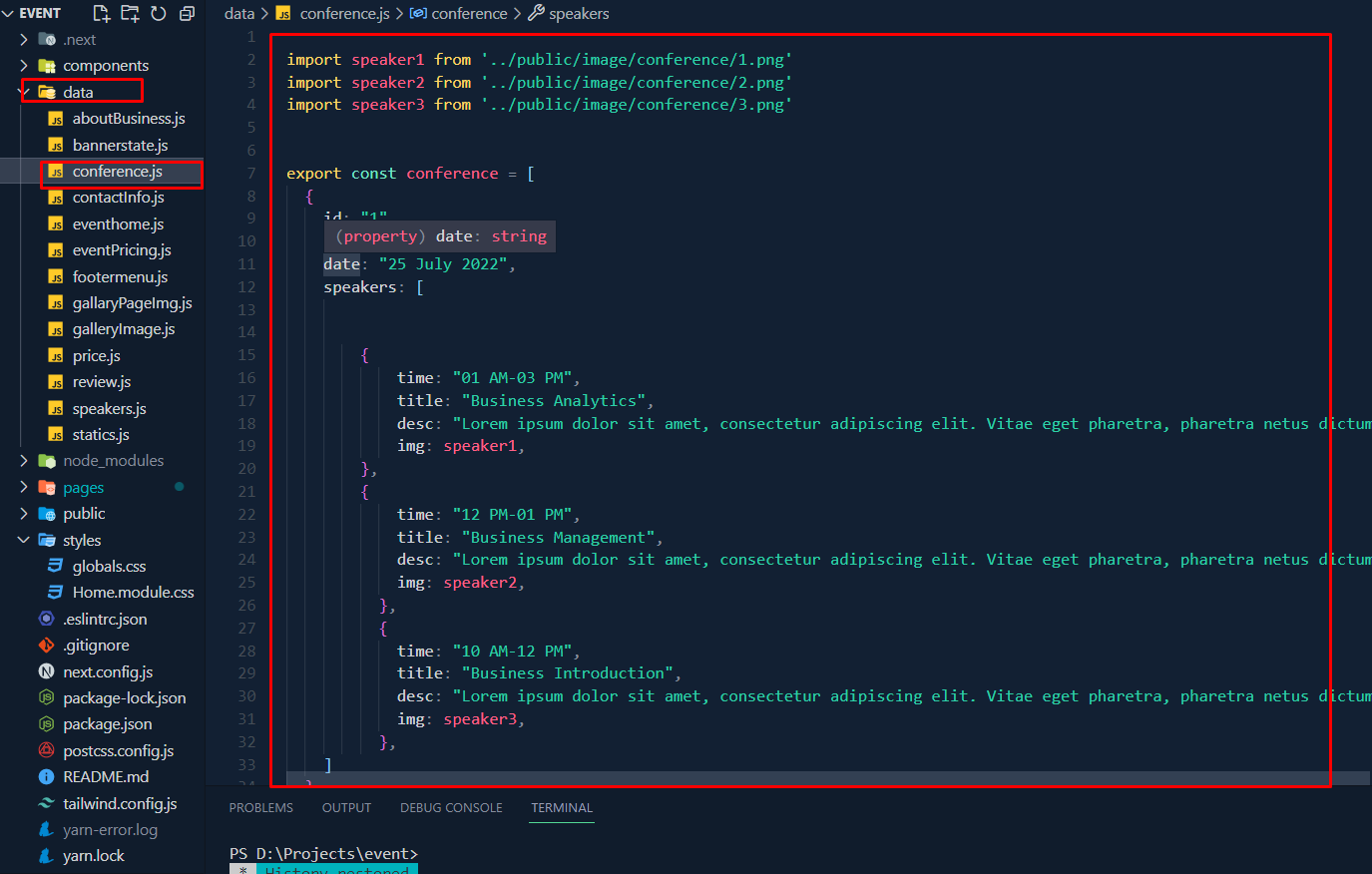
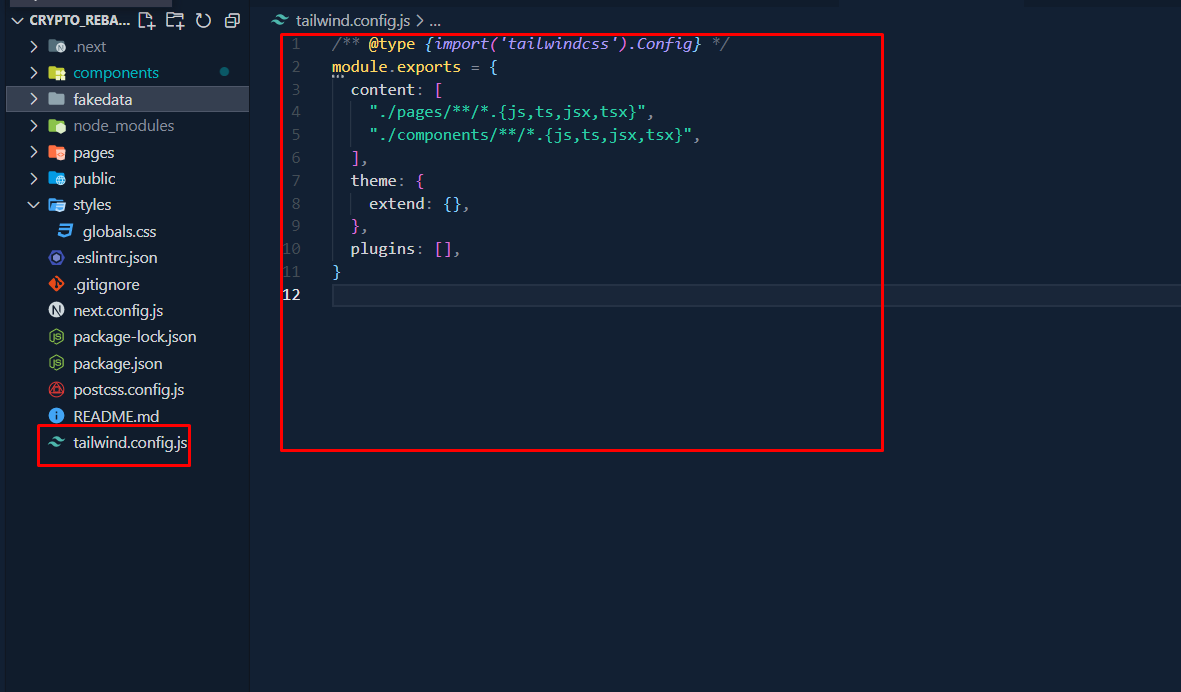
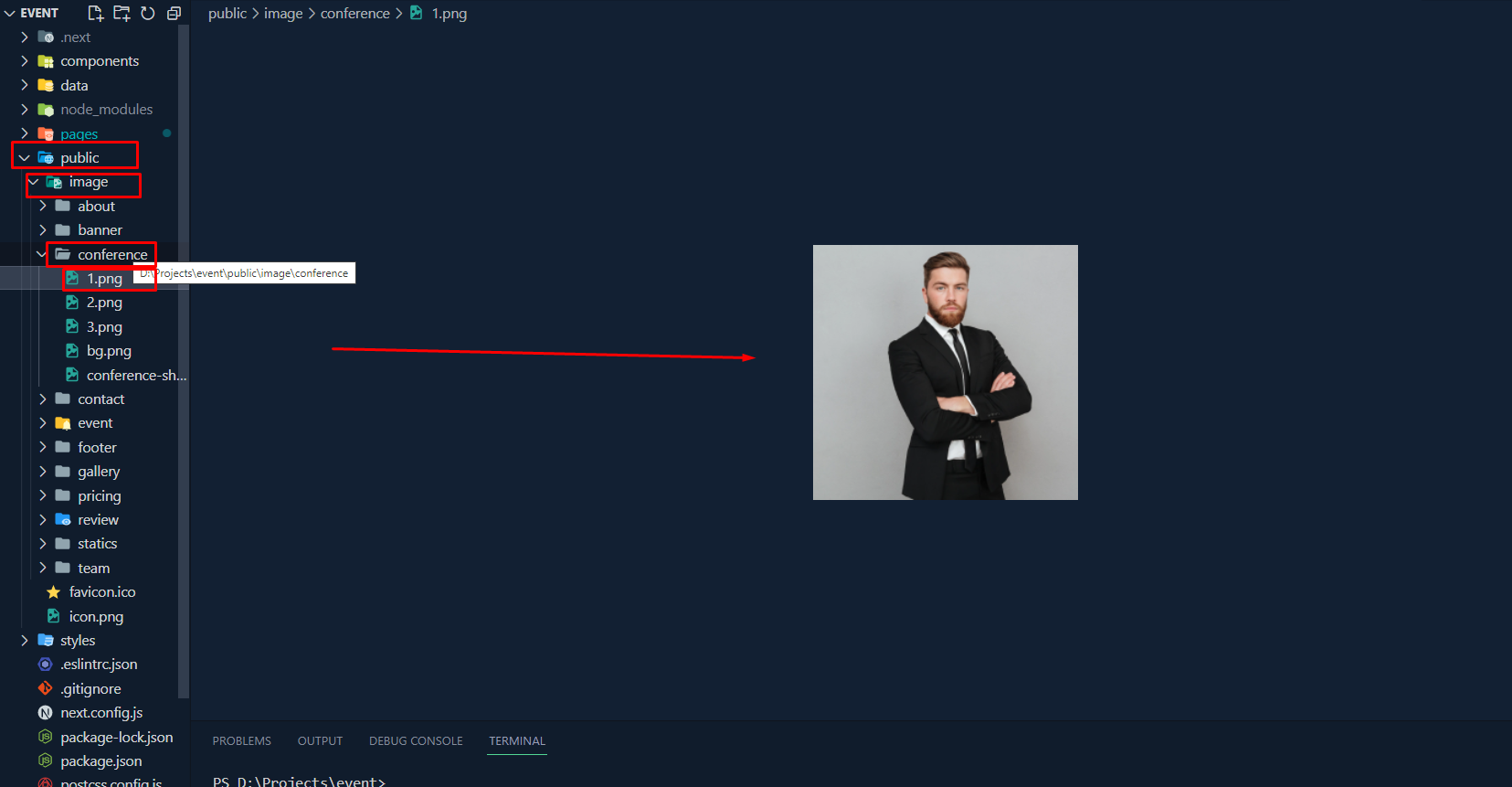
Structure
I have tried to follow the standards and modular structure while developing the theme. Following sections are explaining the theme File & Folder, structure.
File & Folder Structure
├── components
│   ├── layout.js
├── fakedata
├── pages
│   ├── about
│   │   ├── index.js
│   ├── api
│   │   ├── hello.js
│   ├── contact
│   │   ├── index.js
│   ├── pricing
│   │   ├── index.js
│   ├── _app.js
│   ├── _error.js
│   ├── index.js
├── public
│   ├── images
│   ├── favicon.ico
├── styles
│   ├── globals.css
├── next.config.js
└── package-lock.json
├── package.json
├── postcss.config.js
├── tailwind.config.js
├── yarn.lock
Home.js Structure
		import Head from "next/head";
		import About from "../components/about/About";
		import Banner from "../components/banner/Banner";
		import Conference from "../components/conference/Conference";
		import Event from "../components/event/Event";
		import Gallery from "../components/gallery/Gallery";
		import Pricing from "../components/pricing/Pricing";
		import Statics from "../components/statics/Statics";
		import Team from "../components/team/Team";
		import Review from '../components/review/Review'

		export default function Home() {
		return (
			<>
			<Head>
				<title>Veltio </title>
				<meta name="description" content="Event Management website using nextjs and tailwindcss" />
				<link rel="icon" href="/favicon.ico" />
			</Head>
			<Banner />
			<About />
			<Statics />
			<Team />
			<Event />
			<Conference />
			<Pricing />
			<Gallery />
			<Review />
			</>
		  )
		}
Credits & Official Documentation
We've used the following resources as listed. These are some awesome creation and we are thankful to the community.
Support
If you have any question and need support contact the link bellow I will ready support for you. Thank so much
Stay Awesome!
- SOFTIVUS
Changelog
Version 1.0.0 January 08, 2023
- Initial release
Copyright © 2023 SOFTIVUS